Properati

Real State Seller platform

Properati is a real estate platform that links buyers and sellers through property listings and market insights. The project’s goal was to enhance the home search experience for buyers by providing sellers with improved tools to offer the best property matches.

Time Line

4 Months

My Role

Solo:

Product designer

User Research

UX

UI

How did we increase inquiry rates by 20%?
Through a personalized messaging experience designed specifically for our users.

What is the property search experience like?

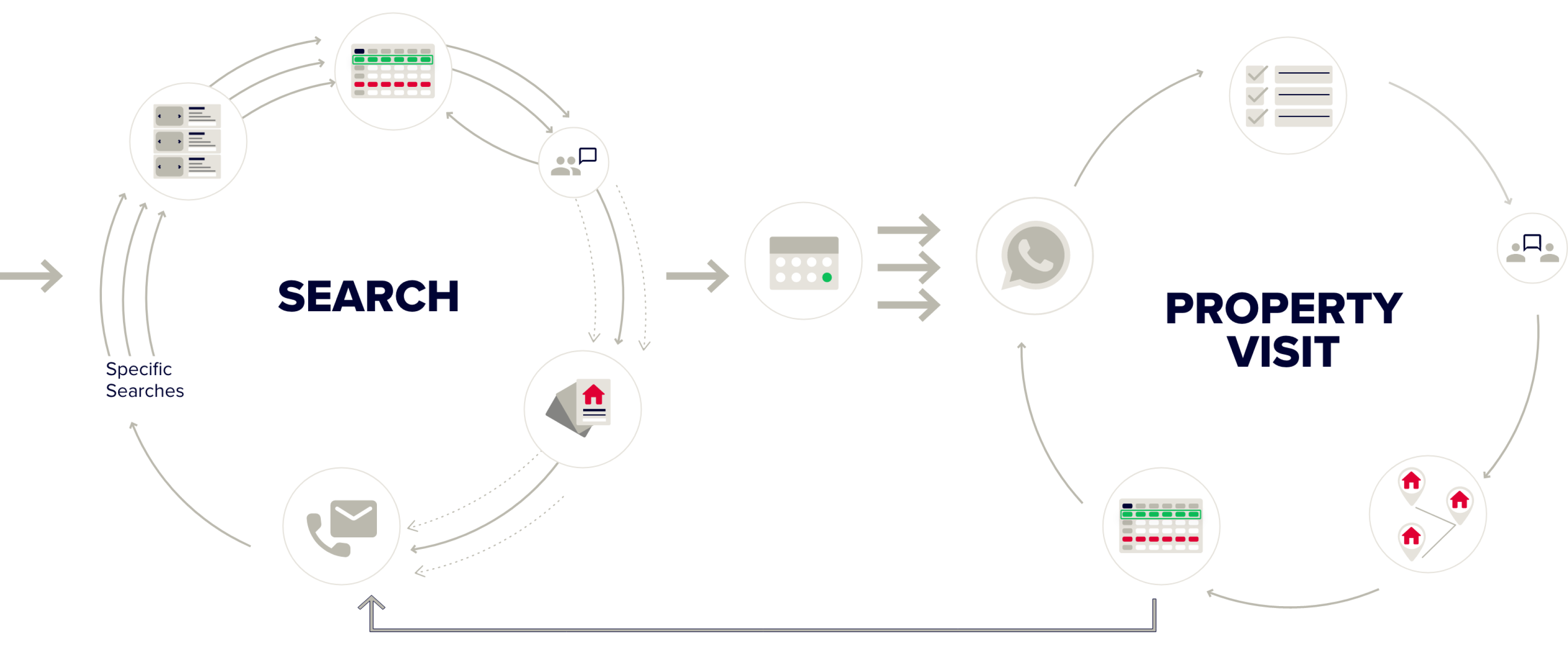
A loop in the process involves two smaller loops: search and visit. If the property isn’t right, they return to search with a more practical approach, refining their focus on details and measurements for better comparison.

Advertising illustration

The process included 3 stages, with the first stage being particularly exhausting due to numerous gaps in the journey.

Stage 01 -
Research & Discovery
• Buyer Analysis: personas
• Journey, opportunities

Stage 02 -
Concept Development
• Insight Integration
• Feature Prioritization

Stage 03 -
Design Execution
• Wireframing & Proto
• User Flow Design
Sellers lacked tools to recommend properties to buyers, while buyers navigated an emotionally complex process with little guidance.

Research

Goal: Understanding buyer journeys revealed key opportunities for sellers to engage more effectively

I interviewed 15 buyers from Buenos Aires, Lima, Quito, Guayaquil, Bogotá, Cali, Medellín, and Bello.

Type

1 : 1

Characteristics

• Age 24+,
• Buying within 1-6 months,
• Searching for 2+ months.

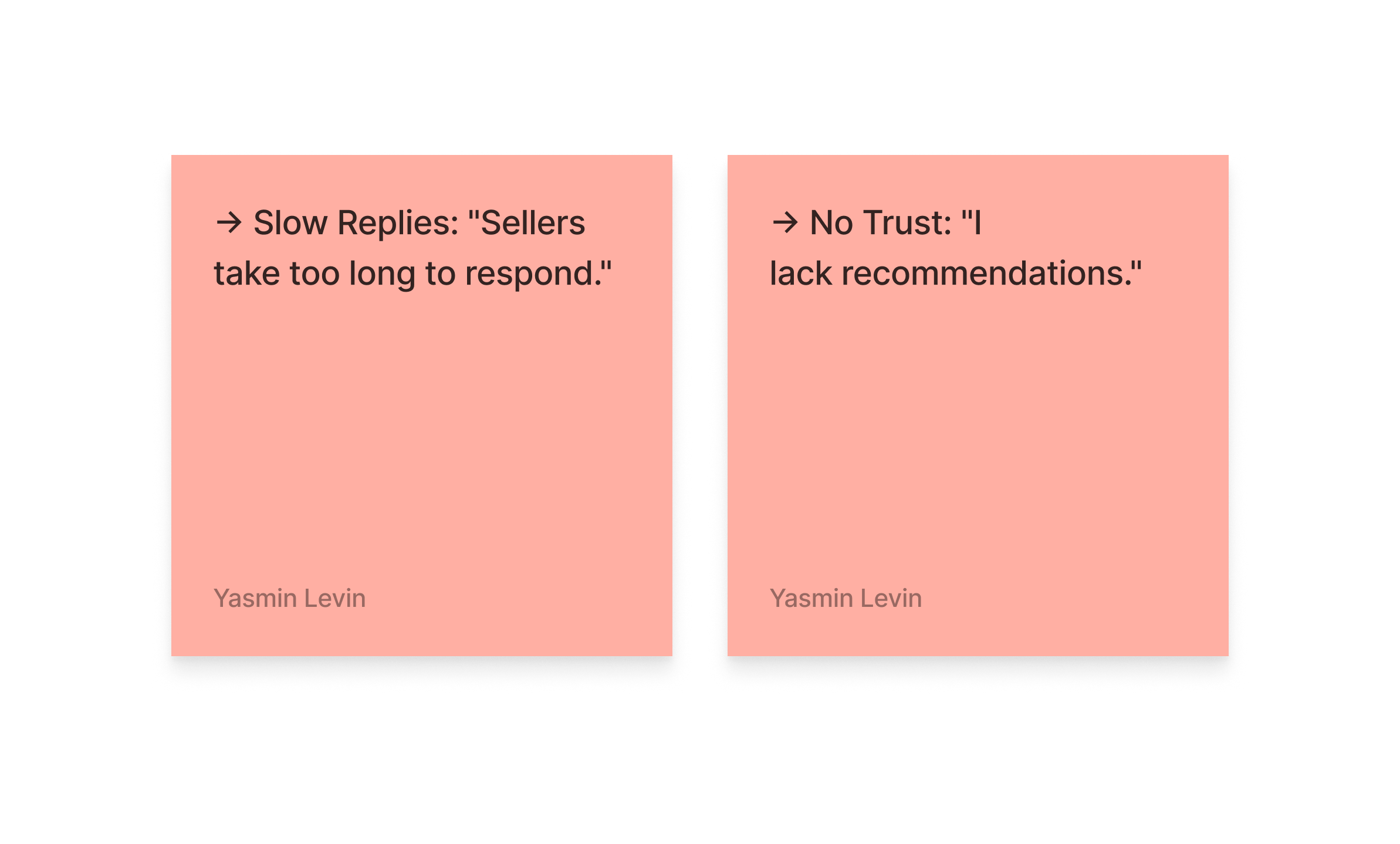
→ Uncertainty: "I don’t know who I’m talking to."
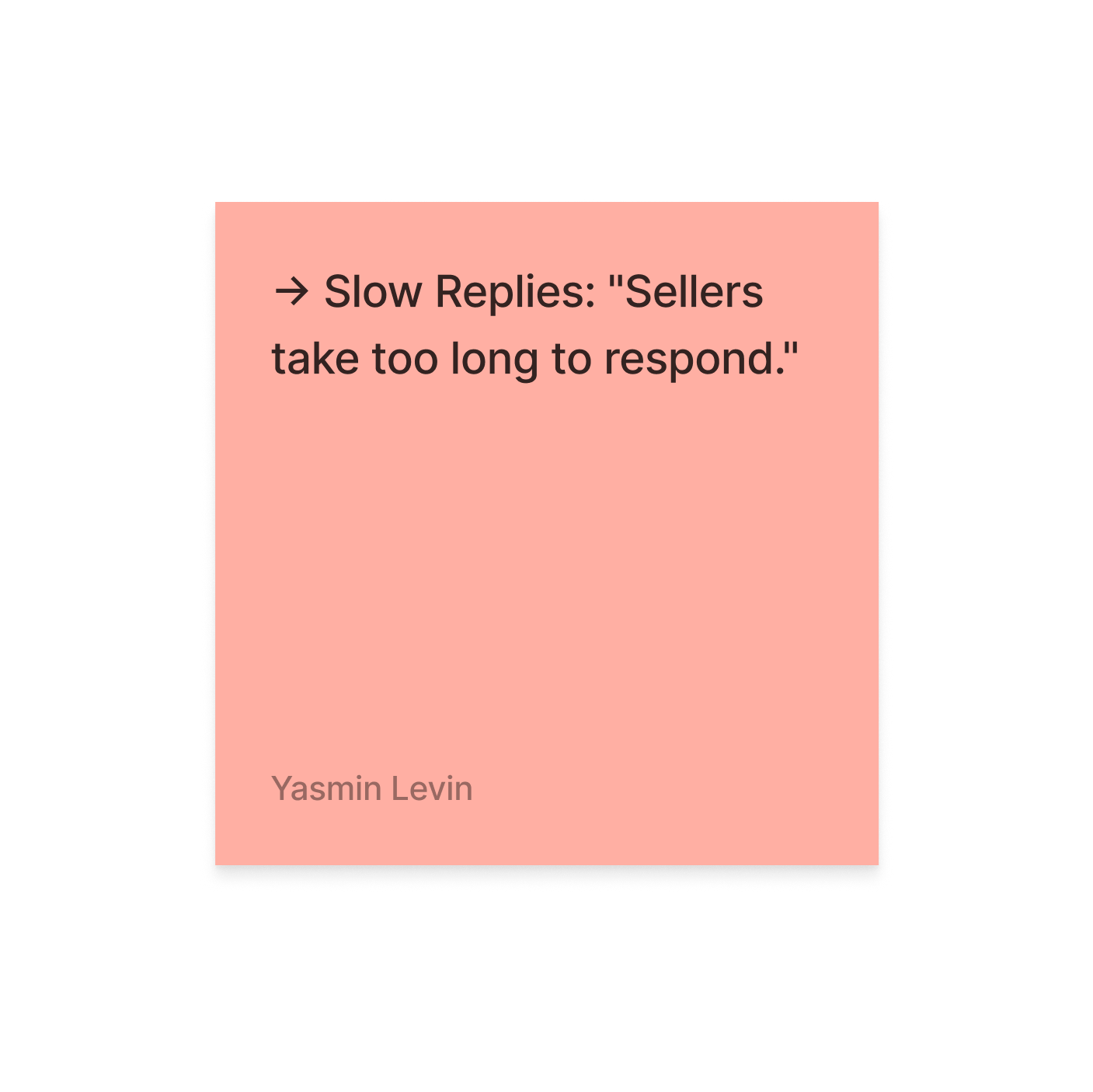
→ Slow Replies: "Sellers take too long to respond."
→ Disappointment: "Photos are missing or inaccurate."
→ No Trust: "I lack recommendations."
→ Fear: "Afraid of making the wrong choice."
→ Overwhelmed: "Need to search many apartments at once."
→ Time Constraints: "Need to plan visits in the same area."

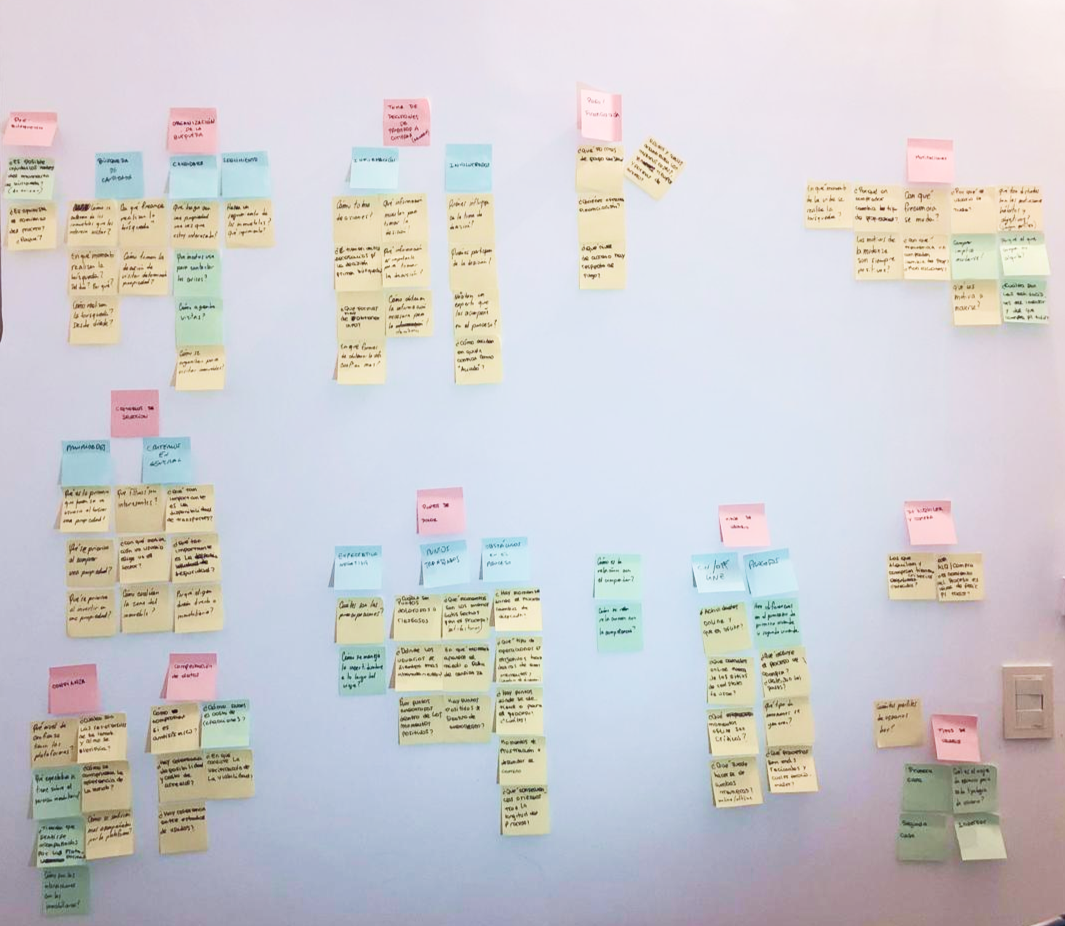
User journey

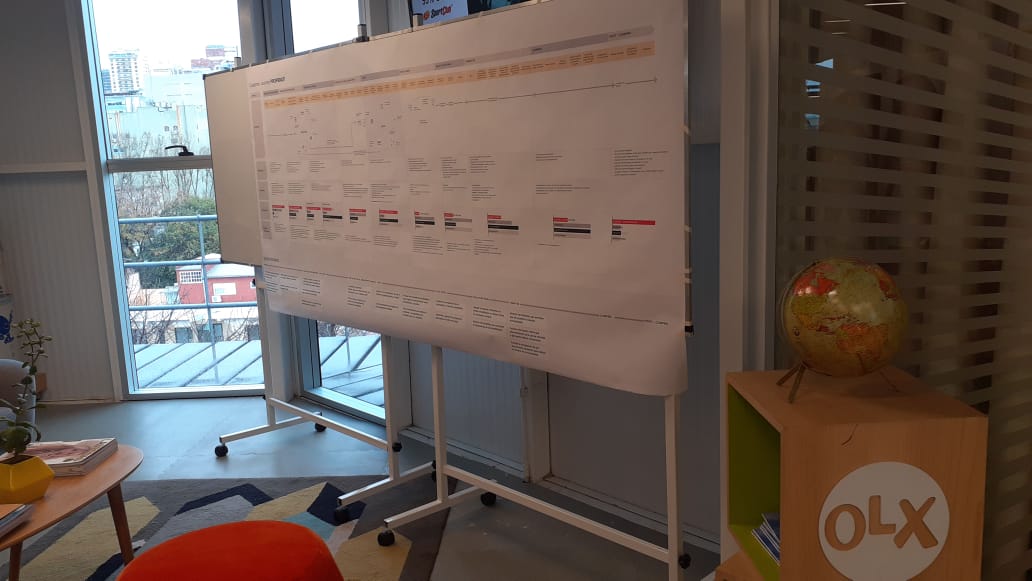
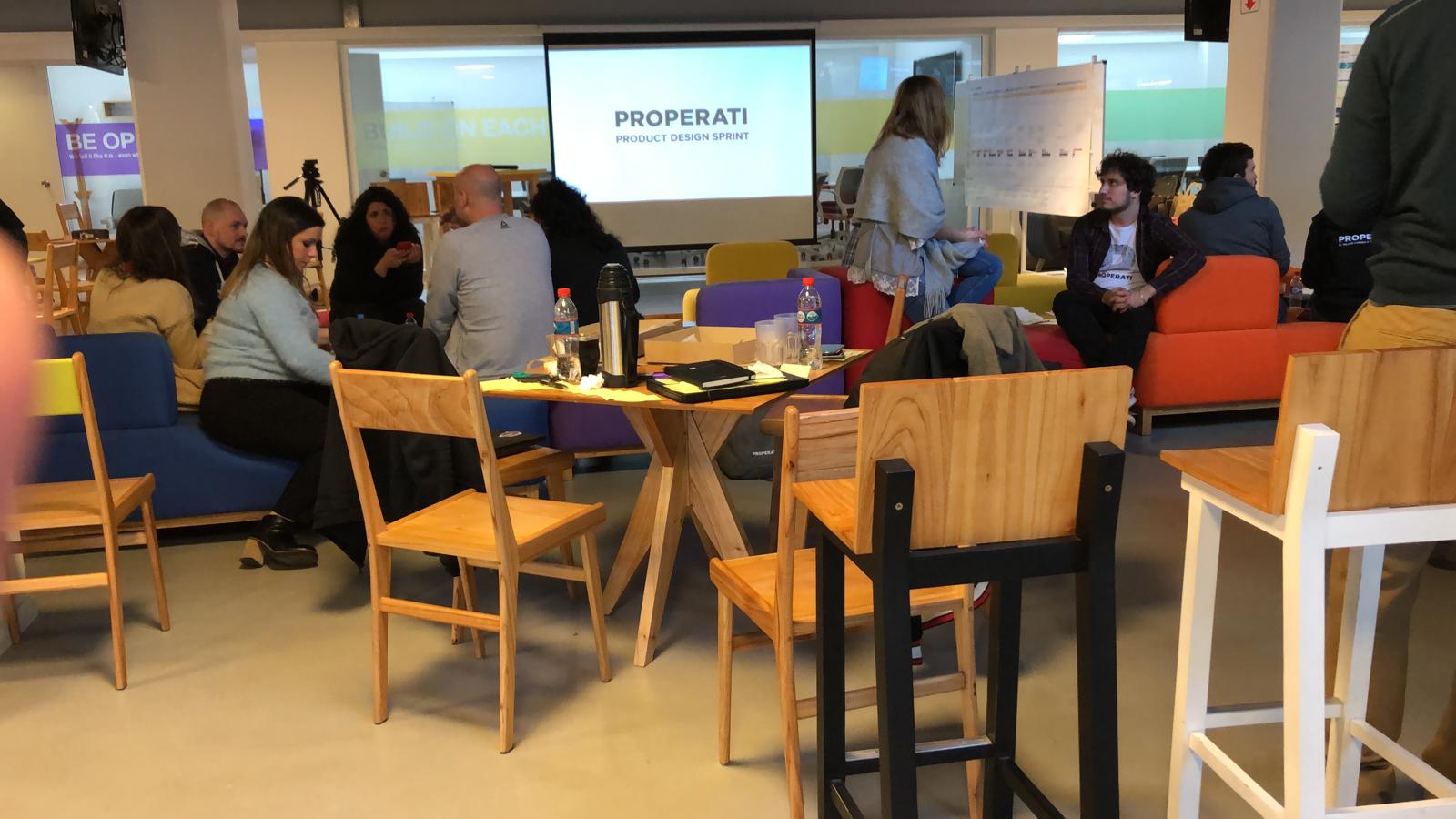
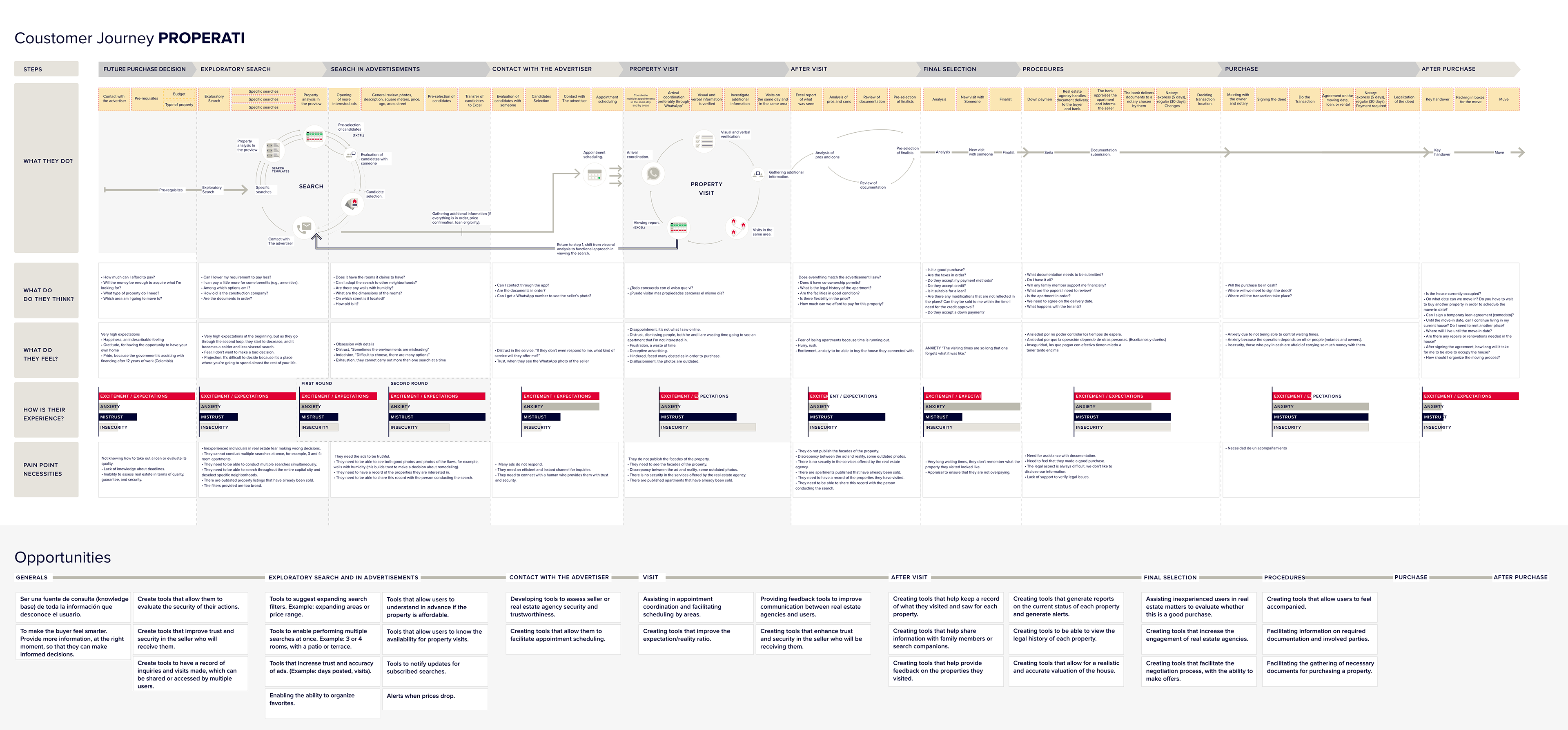
Based on the interviews, I created a detailed user journey to uncover opportunities at each stage. The user journey was printed on a two-meter banner to guide the design sprint workshop, aimed at setting priorities for the entire year.

Feature Prioritization

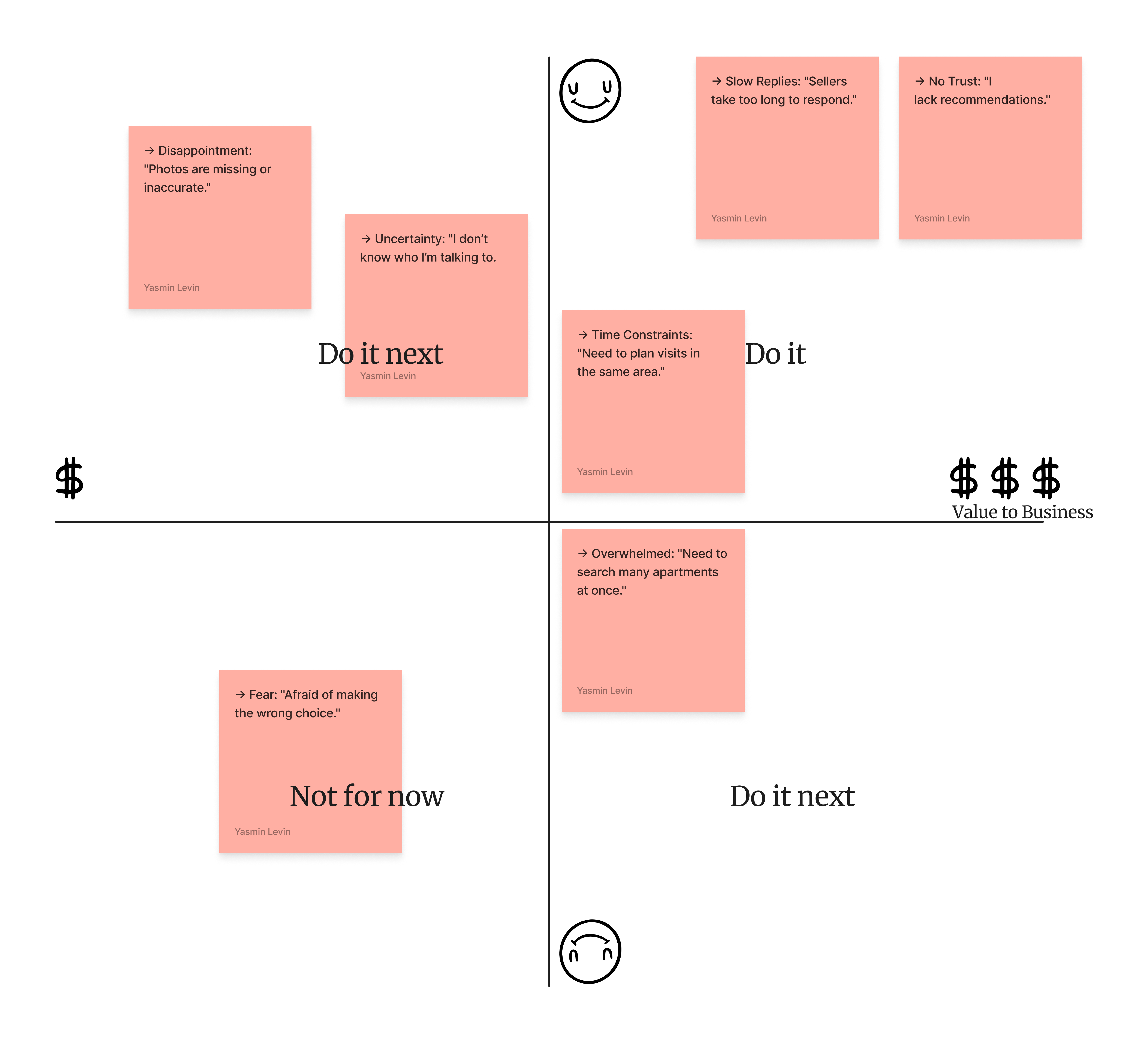
To guide stakeholders on where to focus efforts for the most impact on both users and the business, I collaborated with them to create this value vs. impact graphic.

Wireframes

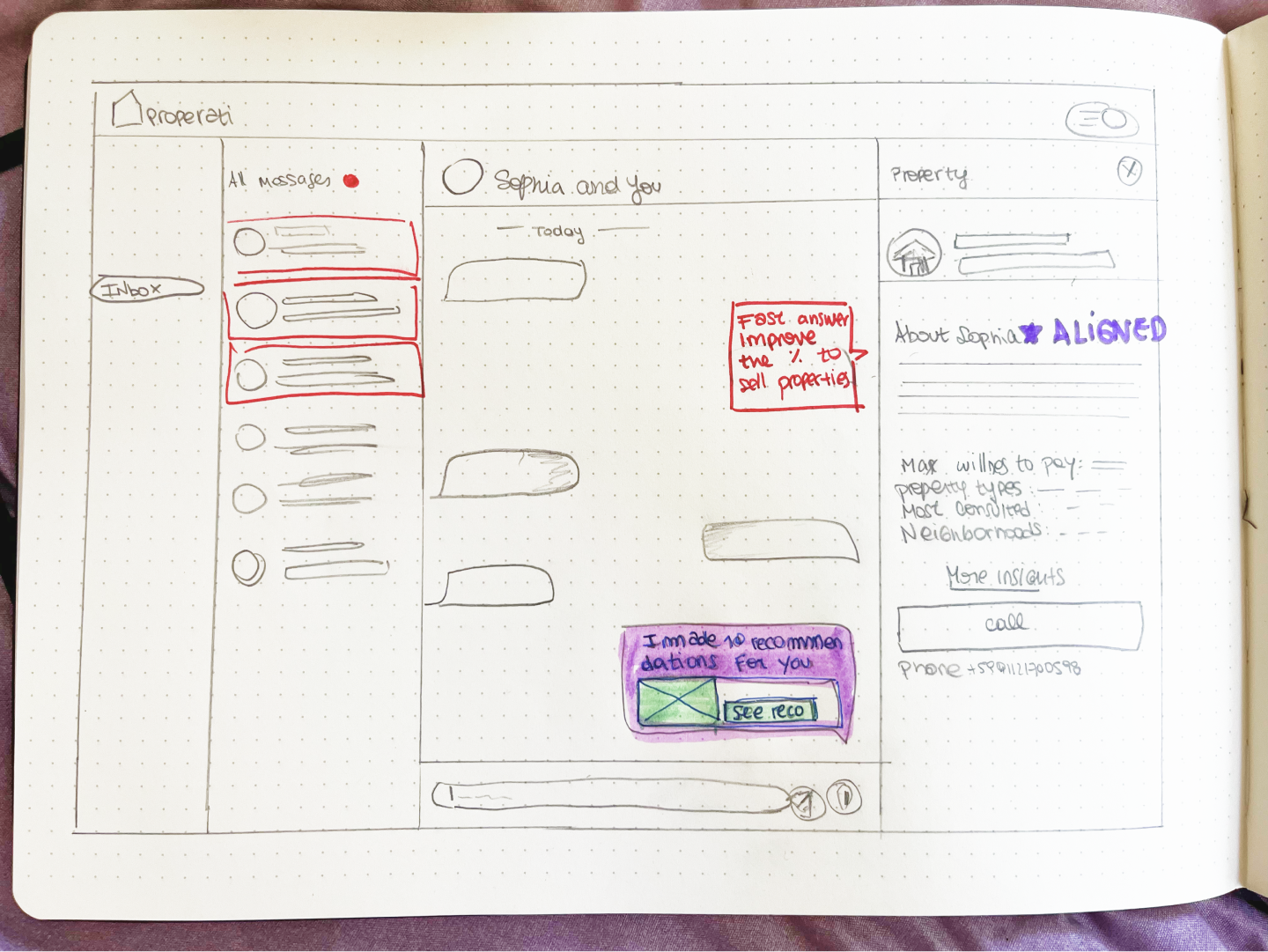
To solve the pain points of sellers taking too long to respond: I thought about using a messaging system instead of email.

Improve the seller assistance

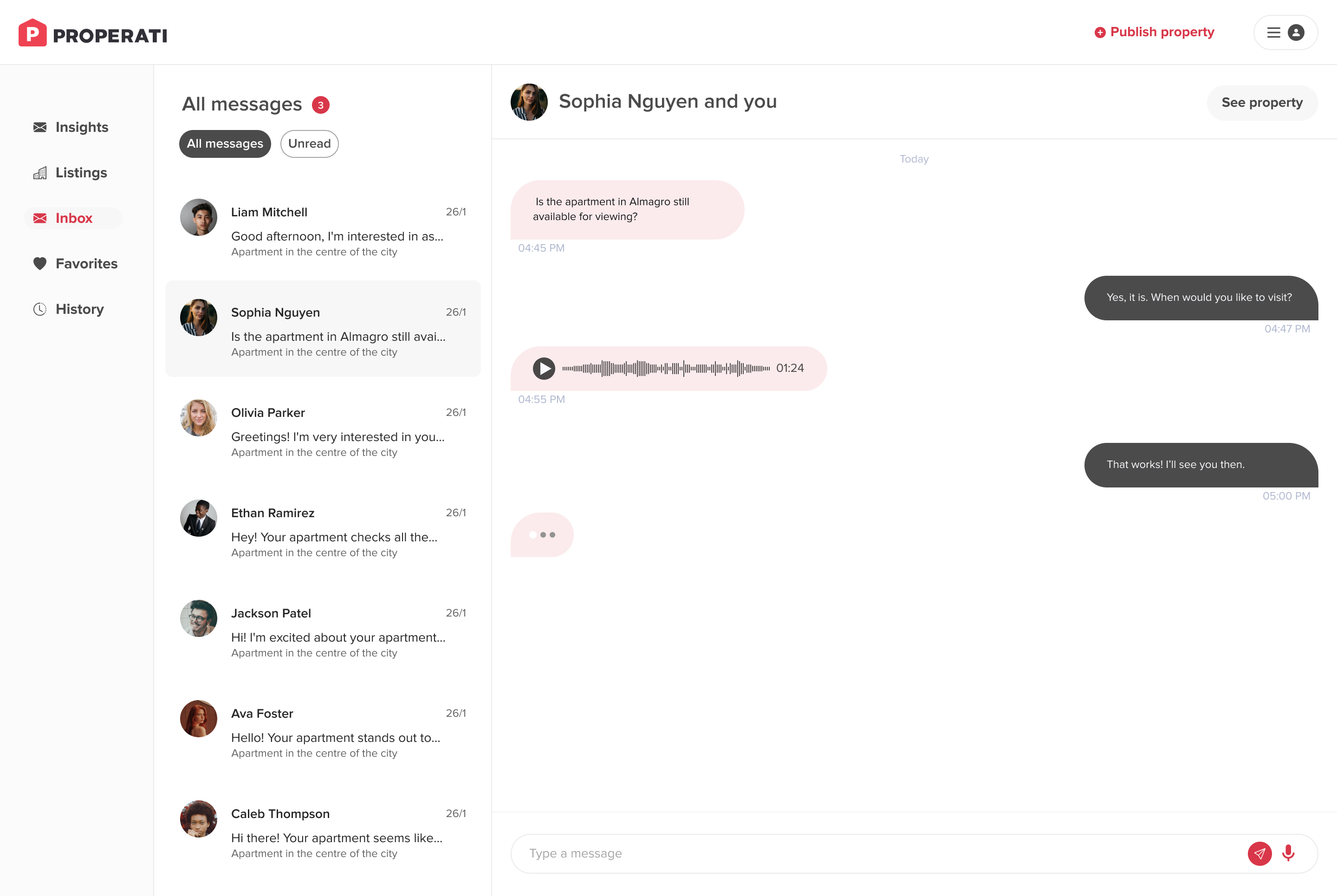
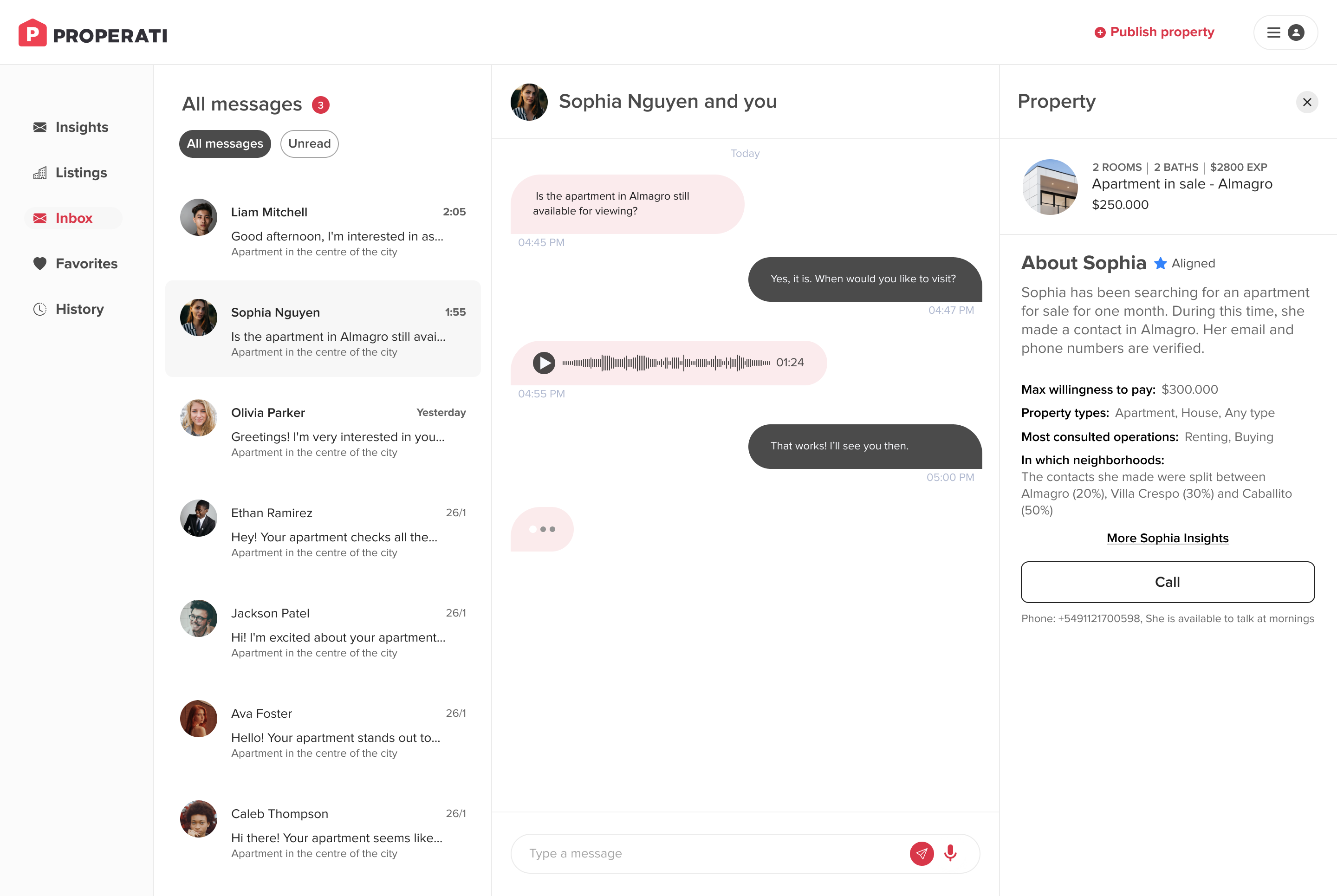
New Inbox: Provide an improved solution that better meets buyers’ needs.

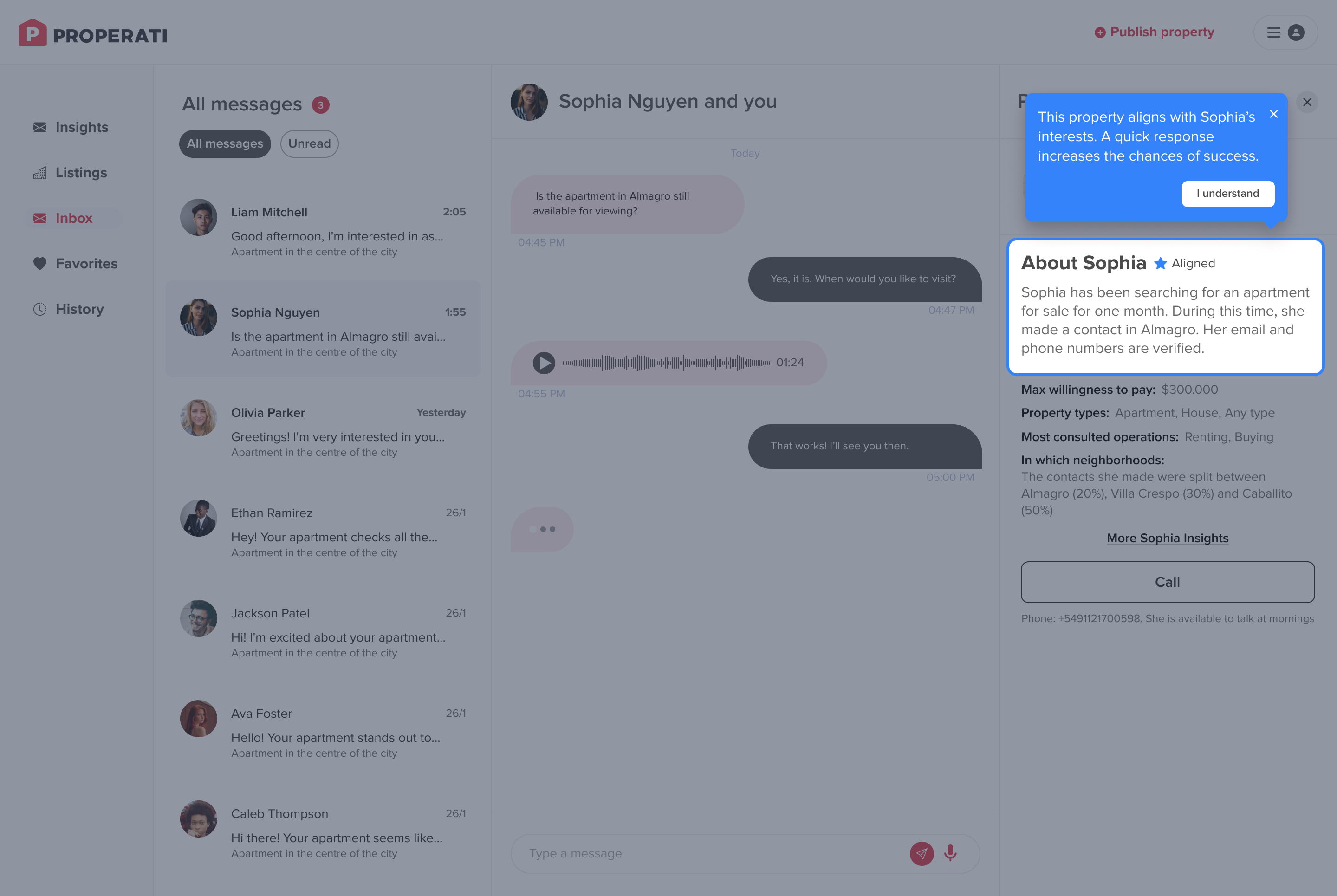
When sellers first click “See Property,” they are introduced to the new "Interest Alignment feature", which provides a summary comparing the property’s details with the buyer’s interests.

When buyer clicks "I understand" the background it's removed, and, they will be able to see the full information. They can call the buyer according to the time availability.

Also, they have access to see the full Sophia Insights, pressing "More Sophia Insights" would open in another tab of the full dashboard.

User flow design

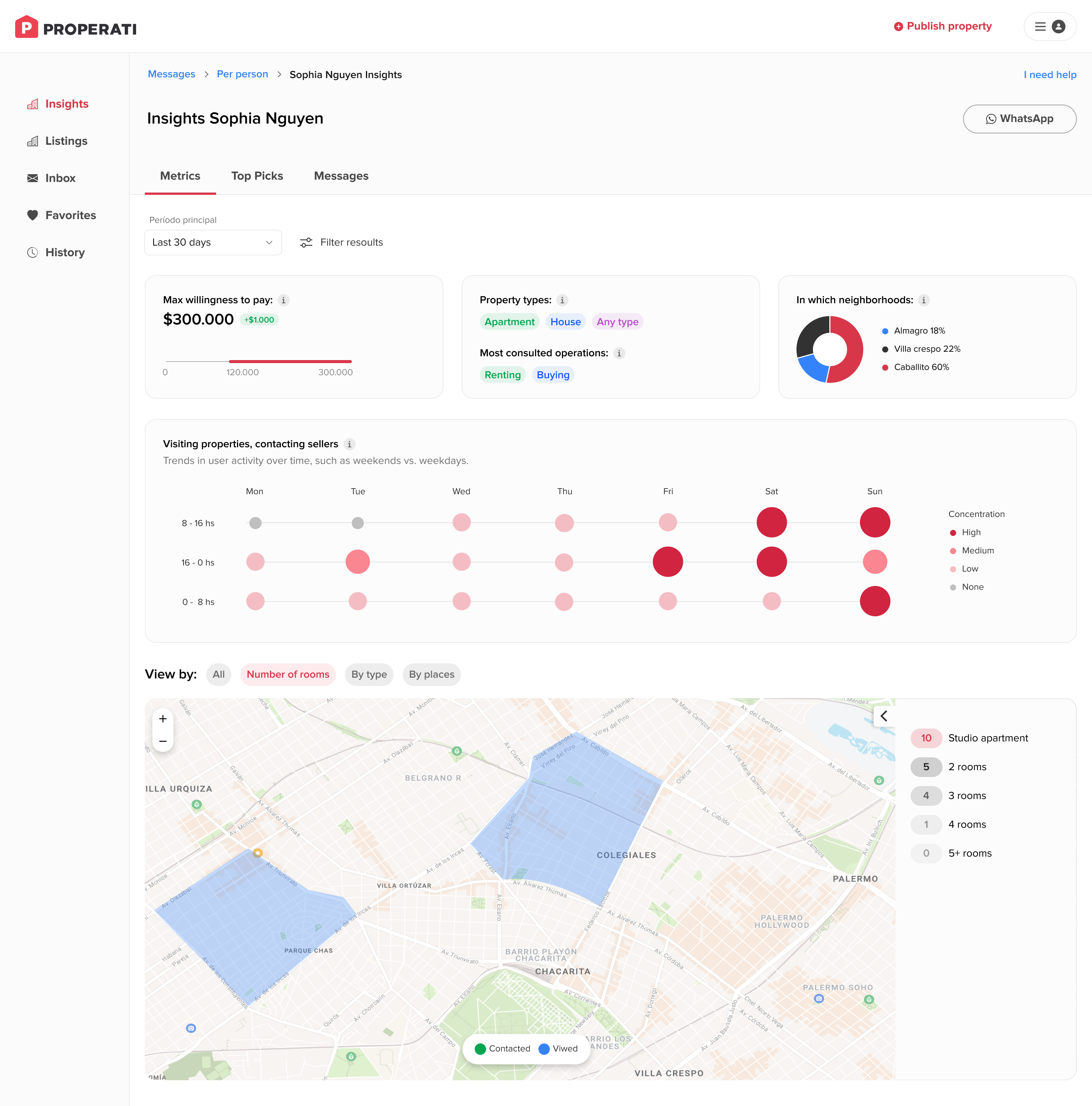
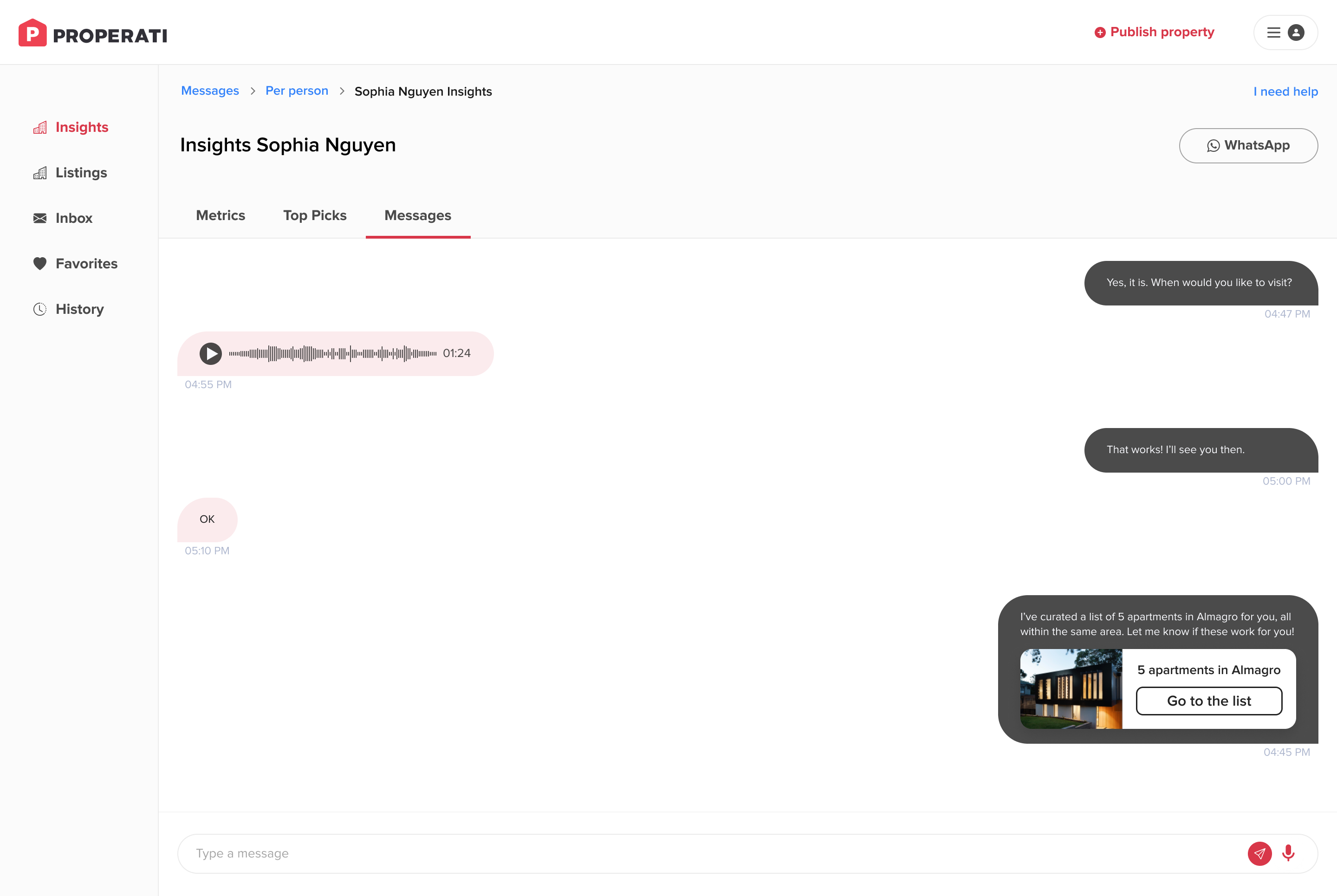
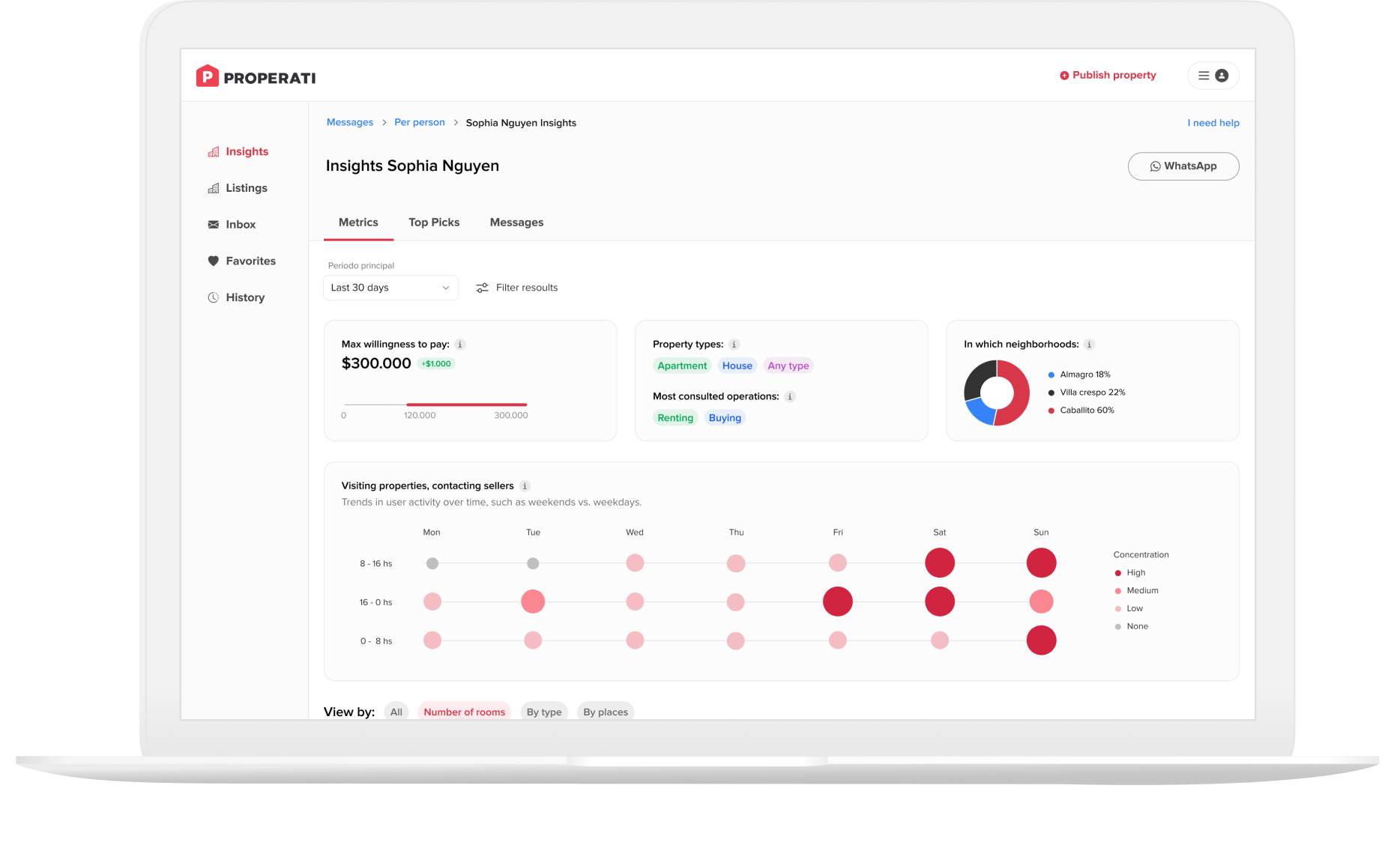
Insights per buyer

To improve the recommendations and the way to talk with buyers each one will have a dashboard, where the sellers will check the goals, willingness to pay.

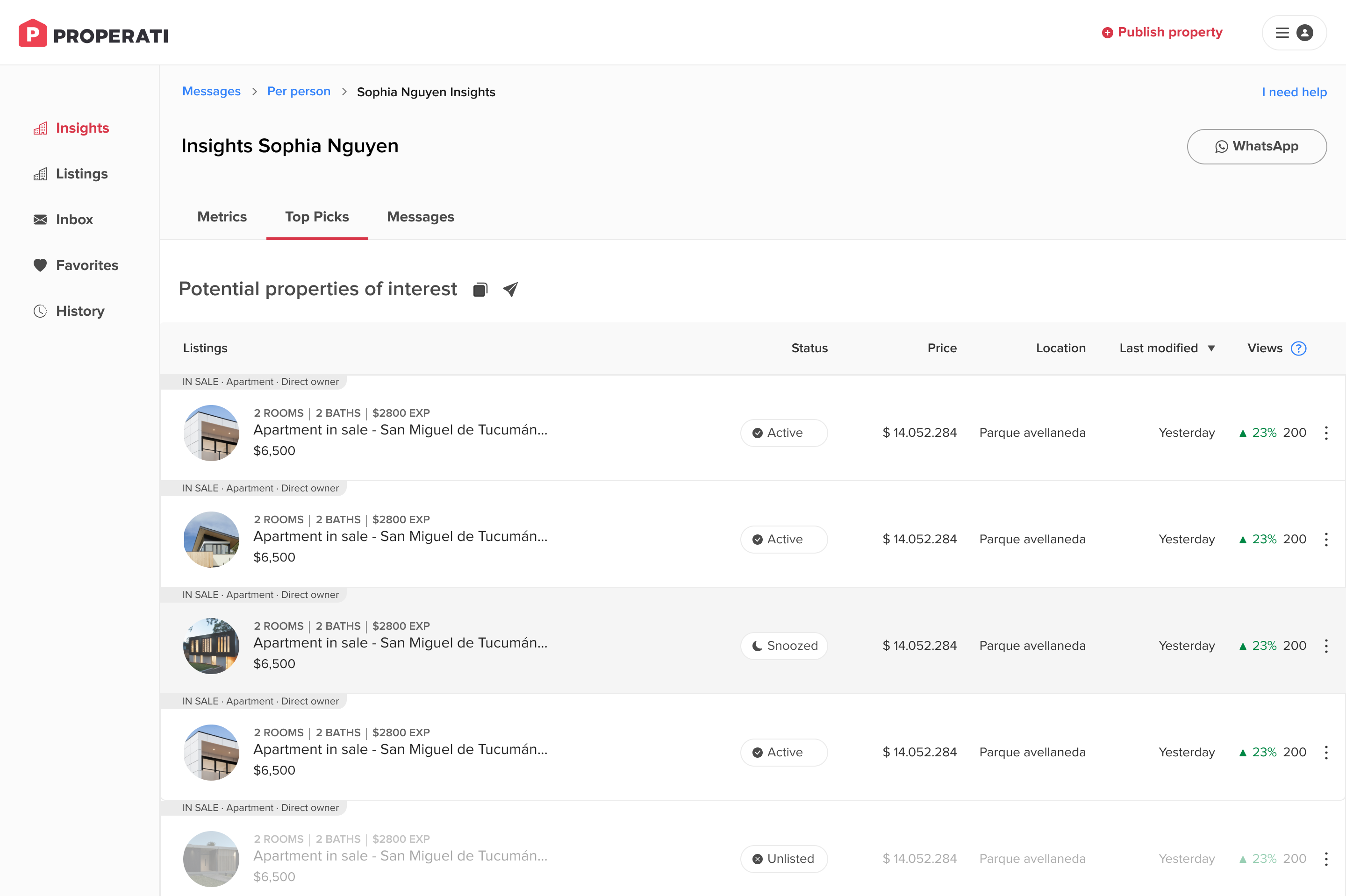
Sellers have a tab to view potential properties based on buyer interests, contacts, and filters.

The messages section is focused on this specific buyer. From “Top Picks,” the seller can easily share the list via the app’s messenger or copy the link to paste it elsewhere.​ In the app the message will appear with a shortcut to go to the recommendations list.

Also, they have access to see the full Sophia Insights, pressing "More Sophia Insights" would open in another tab of the full dashboard.

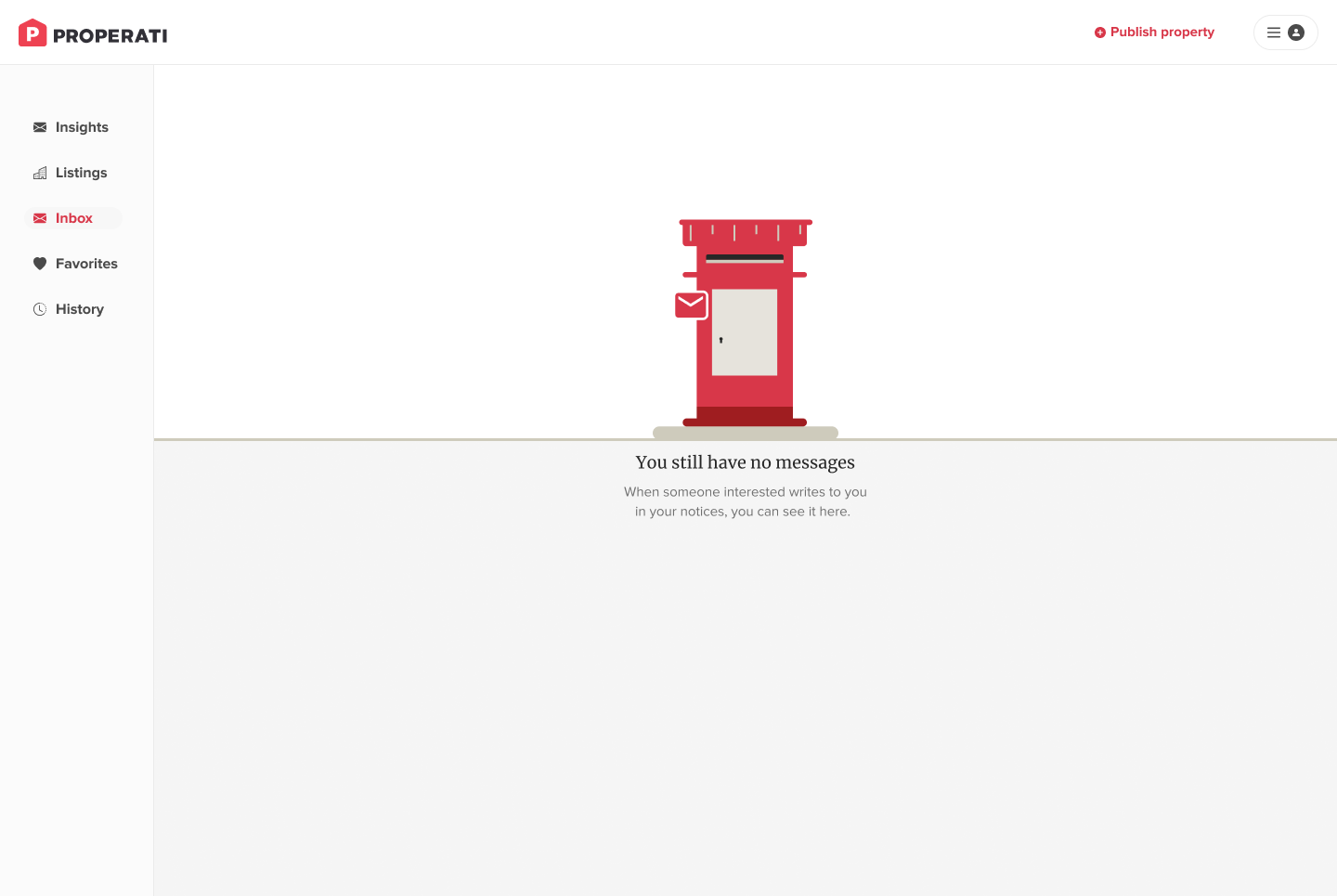
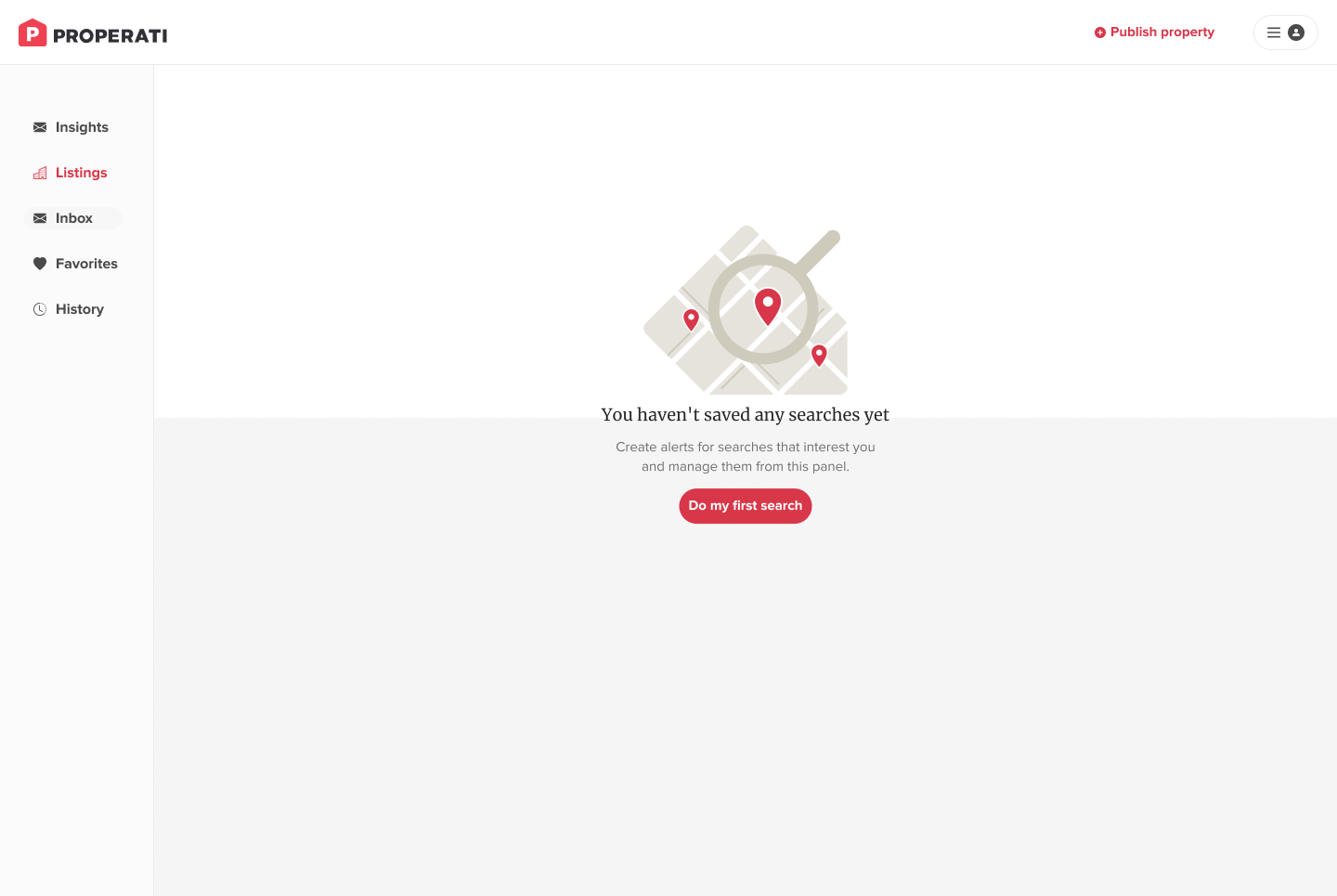
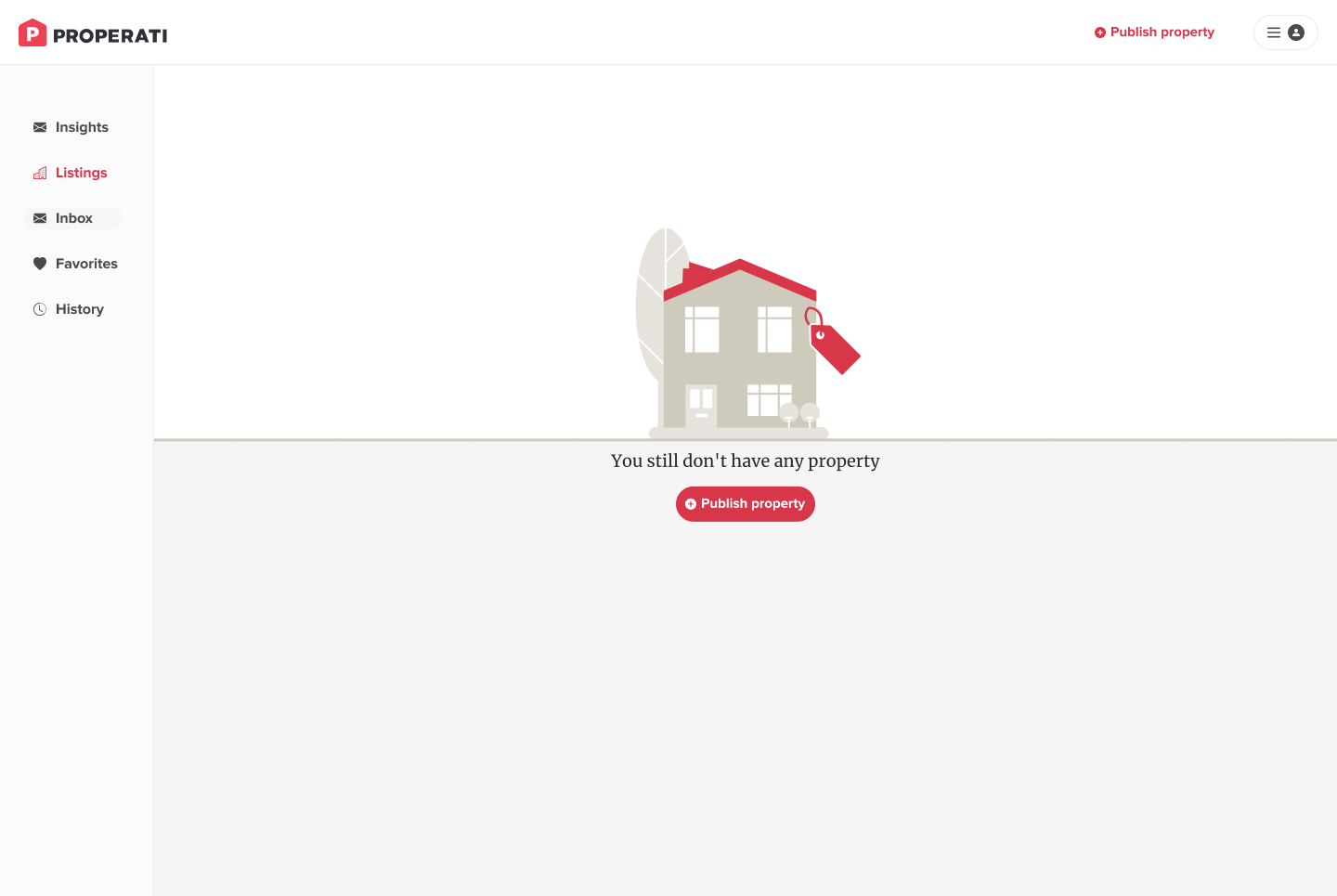
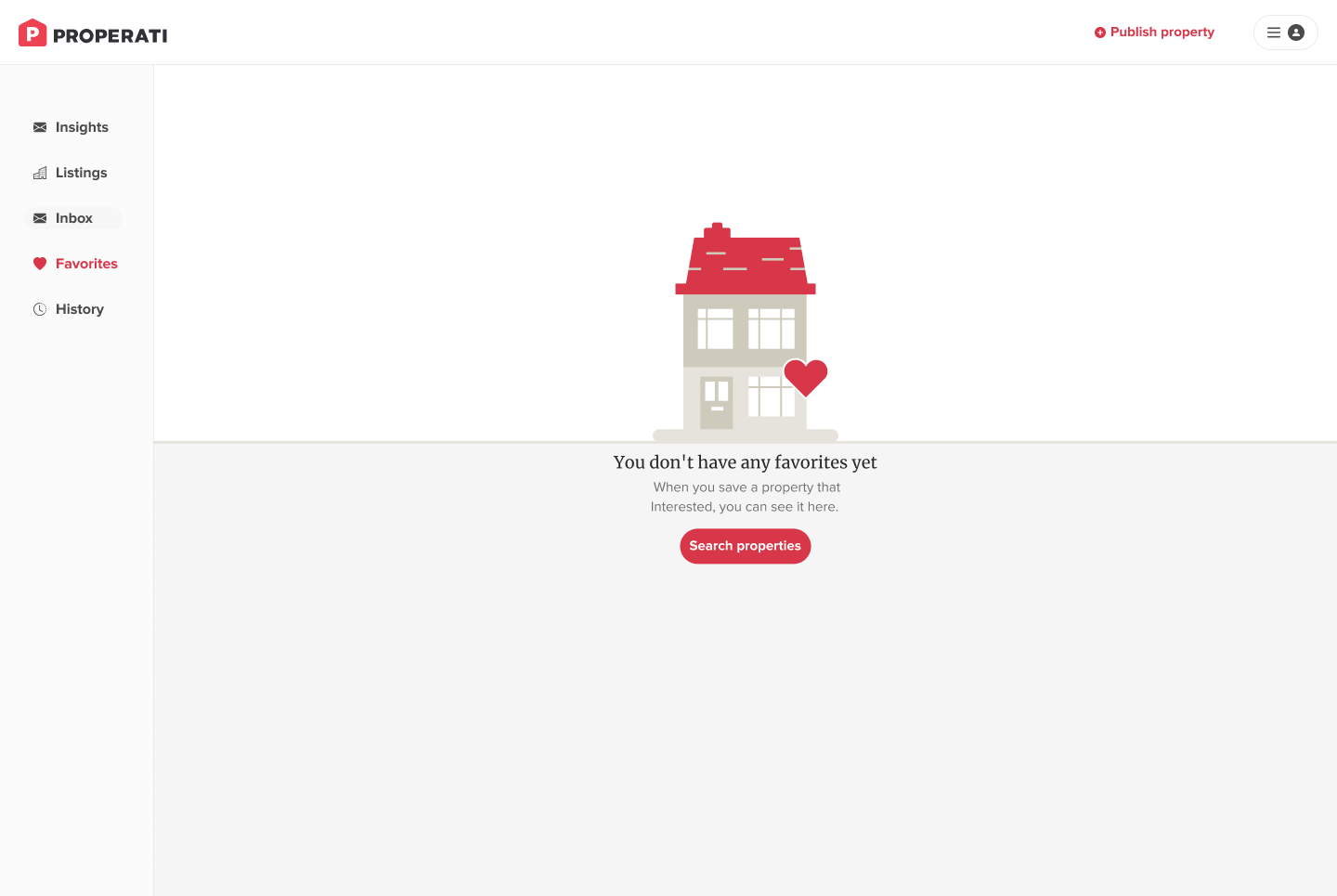
Empty states

For the empty states, I designed a consistent image system.

The goal of the redesign was to increase the Inquiry rate. How? Building tailored messaging experience.

After the redesign, the Inquiry Rate by
+20%.